
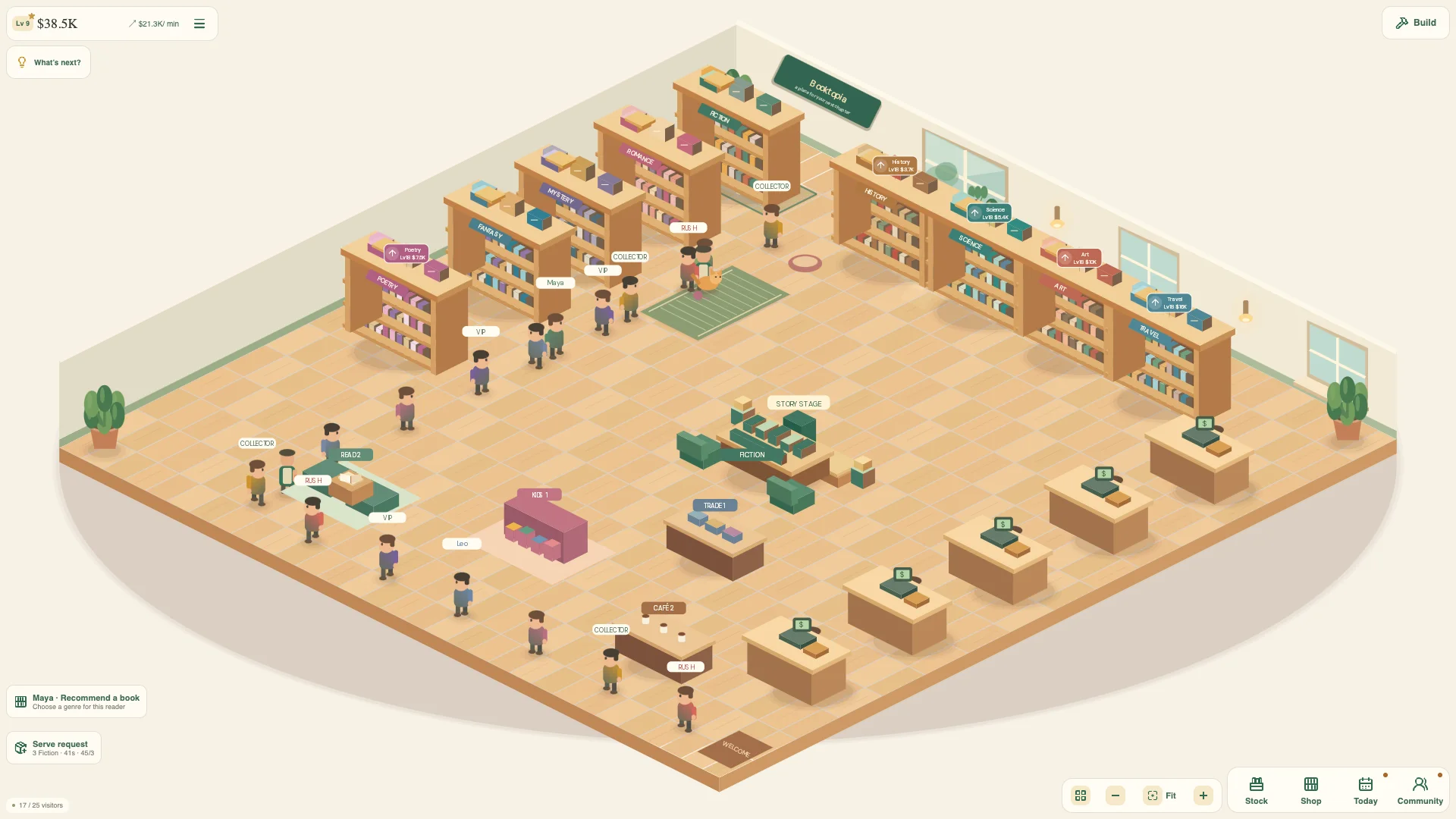
Booktopia Tycoon Devlog #1 — Bringing the Bookshop to Your Browser
The first thing you do in Booktopia Tycoon is watch someone buy a book. You open with a single Fiction shelf and an empty till. A reader walks in, browses, and heads to the register. Before long, you’ve earned the $25 for your first shelf upgrade. That small moment is the one I wanted to preserve when bringing the game to the browser.
The browser demo uses the same customer simulation and progression as the mobile game. Most of the changes were around how you play. The shop adjusts to your screen, and the soundtrack and door chime kick in after your first tap or key press. Your progress saves in the browser, and stepping away from the tab pauses the shop so you can collect offline earnings when you return.
As the shop grows, running it becomes a little more personal. Once Romance opens, regular readers can ask you to recommend a book for their mood. Later, you can open a café, host a book club, or turn the middle of the shop into a display for your favorite genre. I wanted the shop you end up with to feel like a place you’d actually spend an afternoon.
I’d love feedback on the opening few minutes. After your first sale, did you know what to do next? And what did you find yourself saving up for?
Play the demo and tell me how your first shift went. Booktopia Tycoon on PixelPicked
Discussion